
Set up an RSS reader you will actually use
A practical, twenty-minute guide to escaping algorithmic feeds. Pick a reader, find the feeds that matter, and never miss a piece from a site you care about again.
If you find yourself opening Twitter, then Bluesky, then a Substack inbox, then Reddit, all to check whether anyone you follow has published anything new, you are running a polling loop your phone is built to do for you. The technology that does it is older than any of those apps. It is called RSS, it works, and almost no major platform wants you to use it.
This guide gets you set up in about twenty minutes. By the end you will have a single inbox that shows you new posts from every site you actually care about, in chronological order, with no recommendations, no ads, and no algorithm.
Step 1: pick a reader
There is no perfect reader. There are several good ones. Pick from the list below in roughly five minutes.
Free, open source, Apple-only: NetNewsWire. Mac and iOS. Sync across your Apple devices via iCloud. If you live in the Apple ecosystem and want something that just works without an account anywhere, this is the answer.
Free tier good enough for most: Feedly. Web-based, mobile apps, syncs across devices through a Feedly account. The free tier limits you to 100 feeds. For most people that is more than they will ever subscribe to. Pro is $8 a month and removes the limit.
Paid, no nonsense, the writer's choice: Feedbin. $5 a month. Web-based, has a clean API, integrates with Reeder and other client apps, sends articles to your Kindle. The audience here is people who want their RSS reader to be unobtrusive and competent and are happy to pay for that.
Power user: Inoreader. Has one of the deeper feature sets (filters, rules, search across all feeds, AI summaries if you want them). Free tier exists with limits. Pro is around $7 a month. Recommended if you want to subscribe to fifty or more feeds and need real organisation tools.
There are many other readers (The Old Reader, Bazqux, NewsBlur, Tiny Tiny RSS, FreshRSS, Miniflux). All are fine. The decision matrix is roughly: free or paid, hosted or self-hosted, Apple-only or cross-platform.
Pick one. You can switch later by exporting your subscriptions as an OPML file (one click in every reader we have ever tested) and importing into the new one.
Step 2: install it
Install the app or sign up for the account. This step takes two minutes.
If you went with NetNewsWire, the Mac and iOS apps are free on the App Store and the project site. Open one, the other will sync once you turn on iCloud sync in settings.
If you went with Feedly, Feedbin, or Inoreader, sign up on the web. Install the mobile app if there is one. Sign in.
You now have an empty reader.
Step 3: subscribe to the first ten feeds
Most readers have a search box where you type a site URL and the reader finds the feed automatically. This works for the majority of sites we have tried. Some examples that work this way: paste marrowtype.org into the reader's "Add feed" box and it should discover marrowtype.org/rss.xml on its own. The same is true for most personal blogs, most news sites, most newsletter platforms.
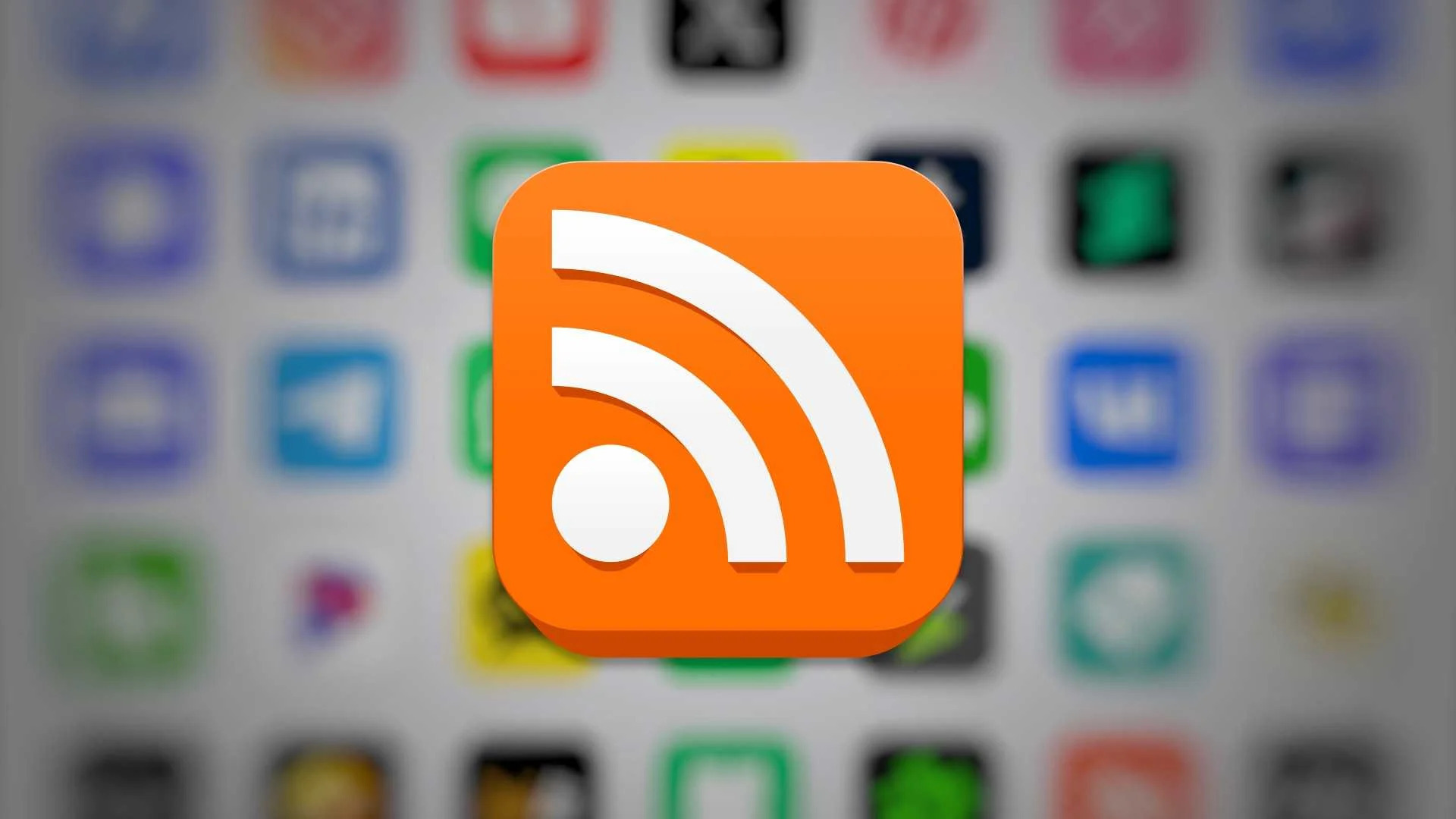
If the auto-discovery fails, look for an RSS icon on the site (a small orange square with white waves). It is often in the footer. The link behind it is the feed URL. Copy it and paste it into the reader.
For sites where you cannot find a feed, try appending /feed, /rss, /rss.xml, or /feed.xml to the URL. One of these works on most platforms. WordPress sites use /feed. Substack uses /feed. Ghost uses /rss. Tumblr uses /rss. Astro and Eleventy sites usually use /rss.xml.
For the first ten, pick the sites whose posts you currently check manually. The list will be obvious once you write it down. Newsletters you subscribe to often have a "view in browser" link in their email, and the underlying domain almost always has a feed.
Step 4: handle the sites that refuse
Some sites do not offer RSS feeds. YouTube channels do (the feed for youtube.com/@channelname is https://www.youtube.com/feeds/videos.xml?channel_id=CHANNEL_ID. Find the channel ID via View Source on the channel page). Twitter and Bluesky do not, but third-party feed generators exist. Substack offers a feed by default. Mastodon accounts have a feed at instance.tld/@user.rss.
For sites that truly do not offer feeds and that you cannot do without, RSS-Bridge is an open-source project that generates RSS feeds for many popular sites by scraping them. It is more setup than a typical user wants, but if you self-host it, you get feeds for nearly anything.
For the small number of sites that have neither a feed nor a workable bridge, you have a choice: keep checking manually, or accept that they are below your attention threshold and stop checking. We have made the second choice for several sites we used to refresh daily. It was not a sacrifice we regretted.
Step 5: turn off the apps you no longer need
This is the step most guides forget. The point of the reader is not to add another app to check. It is to replace the apps you were checking.
After your first week with the reader, look at your phone. The apps you opened reflexively to see whether someone you follow had posted should be opened less. Twitter, Reddit, Bluesky, Substack inbox, the RSS reader has them all in one inbox now. Some of them you will still open for other reasons (replying, commenting, social features). Some you will not.
We removed the Twitter app from our home screen the week we set up our reader. Three years later we have not put it back. The reader covers what we used Twitter for, with less friction and less noise.
What you have just done
You have built a personal news layer that is not mediated by an algorithm, not interrupted by promoted content, and not sold to advertisers. It will work the same on a bad day for the platforms as on a good one. It is, in the most literal sense, the thing the open web was supposed to give people, and it has been there the whole time.
The longer you use it, the less the algorithmic feeds will feel like they are showing you the things you wanted to see. That is not a coincidence. They never were. They were showing you things that kept you in the app. Your reader is showing you the things you chose. The difference takes about a month to fully feel.
If you ever want to leave your current reader, export the OPML file and import it elsewhere. That is the part of the RSS ecosystem that almost no other software medium has: real, durable, portable user data. Treat it well.
Sources
5 cited- 01 NetNewsWire — free open-source RSS reader for Mac and iOS
Brent Simmons · Article
- 02 Feedly Pro pricing
Feedly · Article
- 03 Feedbin pricing and features
Feedbin · Article
- 04 Inoreader pricing
Inoreader · Article
- 05 RSS Bridge — generate RSS feeds for sites that don't provide them
RSS-Bridge · Article
You might also like
-
 Tutorials
Find an old article on a dead site
Every link rots eventually. Here are the four tools we use, in order, to recover an article that the original site no longer hosts.
-
 Culture
Toy Story 5 passed $879 million. Two Pixar originals barely returned their budgets. That is the ledger.
Elio finished at $154 million on a reported $150 million production budget. Hoppers reached $389 million on the same. Toy Story 5 opened to a franchise-record $312 million.
-
 Culture
Brand New Day's trailer crossed a billion views in four days. That is a signal worth reading.
Brand New Day's first trailer set a record for the format in March 2026. Read against Thunderbolts and Fantastic Four's 2025 numbers, it points at a specific thing that still works.
-
 Tech
TechCommerce disabled a frontier model for nineteen days, then let it back on
Anthropic released Fable 5 on June 9. Commerce ordered it disabled on June 12. It returns July 1 under a new agreement. The mechanism the government used has no regulatory framework.